Juniper SRX: Network Address Translation
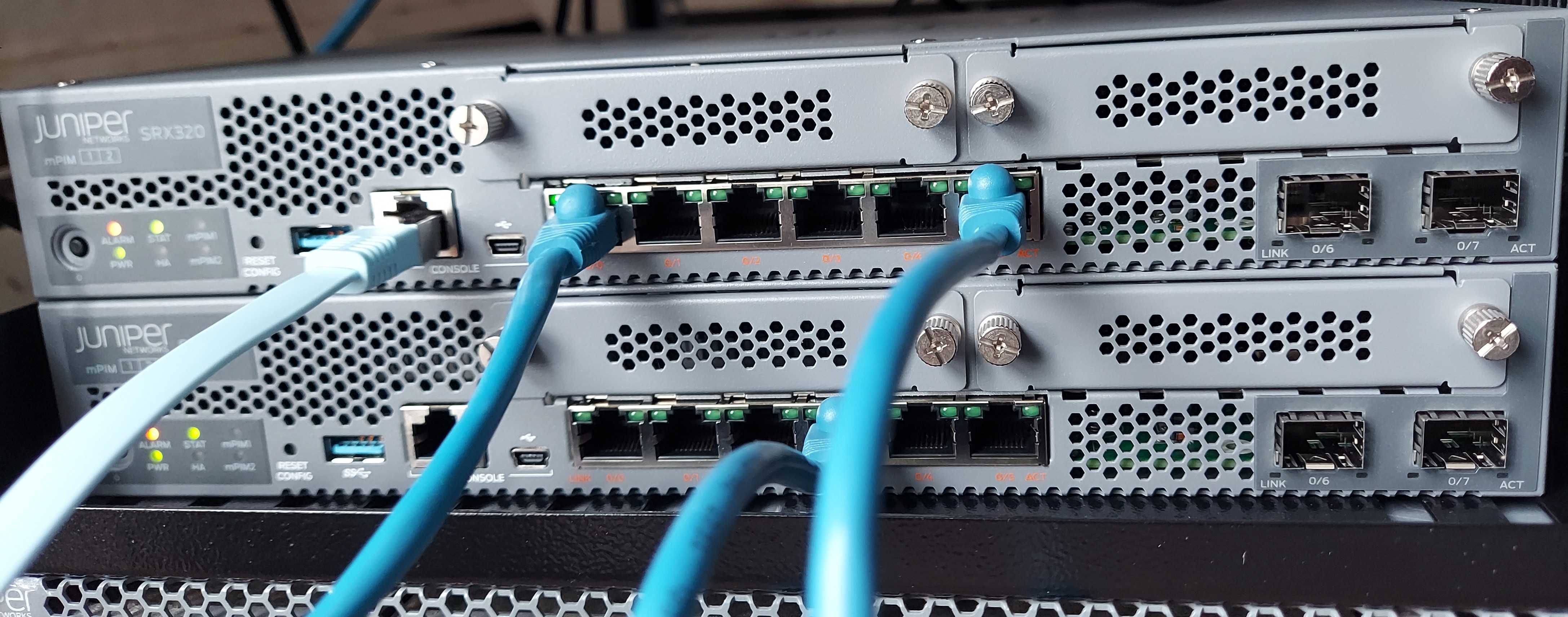
Network Address Translation (NAT) is a method for modifying or translating network address information in packet headers. Either or both source and destination addresses in a packet may be translated. NAT can include the translation of port numbers as well as IP addresses.
Junos NAT Types
-
Source NAT: Many to one translation of source IP addresses -
Destination NAT: One to many translation of destination IP addresses -
Static NAT: One to one translation of one IP address
Source NAT
The source NAT is a very common NAT configuration. It is commonly used to translate multiple private addresses to one public address. It only allows outgoing connections.
Common uses include:
-
Translate one IP address to another IP address
-
Translate one contiguous block of addresses to another block of addersses of the same size or less.
-
Translate one contiguous block of addresses to one IP address
-
Translate one contiguous block of addresses to the address of the egress interface
There are two types of Source NAT Translations:
-
Interface-based: the source address is translated to the address configured on the egress interface. This is also calledinterface NAT. The interface-based translation uses theport address translationand does not require the configuration of anaddress pool. -
Pool-based: it uses a set of IP addresses for translation.
We configure source NAT using rules. A rule requires:
-
a
traffic direction: here we need to specifyfrom interface,from zone, orfrom routing-instanceandto interface,to zone, orto routing-instance -
the
packet information: here we need the source and destination IP addresses or subnets, source port numbers or port ranges, destination port numbers or port ranges, and protocols or applications.
If multiple source NAT rules overlap, the more specific will take precedence.
Three actions can be configured in a source NAT rule:
-
interface: the source address will be translated to the address configured on the egress interface -
pool: the source addresses will be translated to a pool of addresses -
off: the source NAT will not be applied
Source NAT configuration
NAT processing centers on the evaluation of NAT rule sets and rules. A rule set determines the overall direction of the traffic to be processed. A rule set can contain multiple rules. Once a rule set is found that matches specific traffic, each rule in the rule set is evaluated for a match. Each rule in the rule set further specifies the traffic to be matched and the action to be taken when traffic matches the rule.
Interface-based NAT configuration
edit security nat

# create rule-set
edit source rule-set ZONE-A-TO-ZONE-B

# add traffic direction
set from zone ZONE-A
set to zone ZONE-B

# create rule
edit rule R1

# add rule match criteria
set match source-address 0.0.0.0/0
set match destination-address 0.0.0.0/0

# add action
set then source-nat interface
See allocated port with:
show security nat interface-nat-ports
Pool-based NAT configuration
To create a source pool,
edit security nat

edit source pool SOURCE-POOL-1

set address 172.16.1.1/32 to 172.16.1.50/32
Change the rule set rule action to use the pool.
edit security nat source

set rule-set ZONE-A-TO-ZONE-B rule R1 then source-nat pool SOURCE-POOL-1
Proxy ARP
A proxy ARP configuration is required with pool-based source NAT. Here is how to conigure a proxy ARP on the SRX device.
edit security nat

edit proxy-arp interface ge-0/0/1
set address 172.16.1.1/32 to 172.16.1.50/32
With source NAT, port address translation (PAT) is enabled by default. If PAT is disabled, the number of translations is limited by the number of IP addresses available in the pool. To disable PAT, run:
edit security nat source pool SOURCE-POOL-1
set port no-translation
To see NAT usage, run:
show security nat resource-usage source-pool SOURCE-POOL-1
The overflow pool is a pool to to be used if the original pool is exhausted. It could be a user defined source NAT pool or an egress interface.
To configure an overflow pool:
edit security nat source pool SOURCE-POOL-1

set overflow-pool interface
Destination NAT
Destination NAT is used to translate the destination address of a packet. It commonly translate the public IP address of a packet to a private internal IP address. Destination NAT only allows incoming connections.
Common uses include:
-
Translate a destination IP address to another address
-
Translate a destination IP address and PORT to another address and port
-
Translate a contiguous block of address to another contiguous block of addresses
Destination NAT supports only pool-based NAT.
Destination NAT Rules:
-
Traffic direction:
from interface,from zone, orfrom routing-instance -
Packet information: source and destination IP addresses or subnets, source port or port ranges, destination port or port ranges, and protocols or applications
There are only two actions we can configure for destination NAT:
-
Pool
-
Off
If we have overlapping rules in the destination rule set, the most specific rule will take precedence.
Destination NAT configuration
To create a destination pool:
edit security nat

edit destination pool DESTINATION-POOL-1

set address 192.168.1.1/32
edit security nat destination

edit rule-set RS1

set from zone ZONE-A

edit rule R1

set match destination-address 12.1.1.5/32

set then destination-nat pool DESTINATION-POOL-1
We also need to add proxy ARP because the destination address does not belong to any interface.
We can then define a security policy that is configured to look for the translated address since the security policy lookup happens after the translation.
Static NAT
Static NAT is a combinations of source NAT and destination NAT. Static NAT translation is always one to one. For each private IP address, a public IP address must be allocated and we don't need to configure an address pool.
To configure a static NAT, we need:
-
the traffic direction. Only the
fromportion is required. -
the packet information. the protocols or applications are not needed here
A proxy ARP is also required here.
Since static NAT allows the communication in both directions, we need to configure two security policies.